
Client Discovery & 24/7 Online Booking
No phone calls during busy hours. Direct reservations from Instagram, Facebook, and Google Maps.
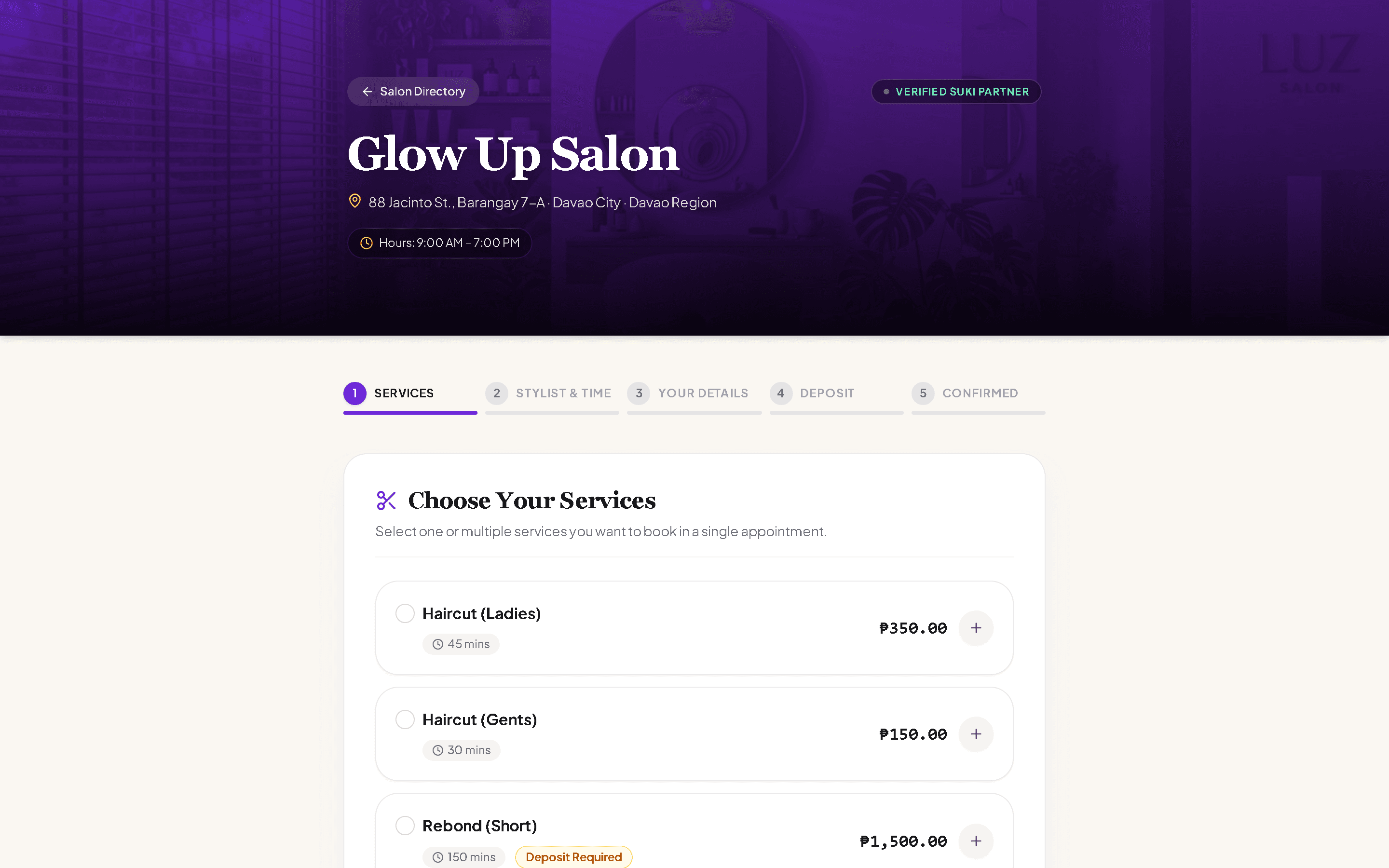
Displays your salon address, operating hours, and official Verified Suki Partner badge.
Categorized services with durations (e.g., Haircut 45 mins, Rebond 150 mins) and transparent pricing.
Optional GCash/Maya reservation downpayment to eliminate high-ticket no-shows.
Clients can bundle a haircut, hair treatment, and manicure in one continuous booking.
Selects desired treatments, picks their preferred stylist, and chooses a convenient date and time slot.
The appointment instantly appears on the salon floor calendar with stylist assignment and client details.
Client receives an instant booking confirmation via email and automated SMS notification.
Ready to Experience Suki Suite Firsthand?
Try the live interactive demo or launch your salon workspace in less than 2 minutes. No credit card required.